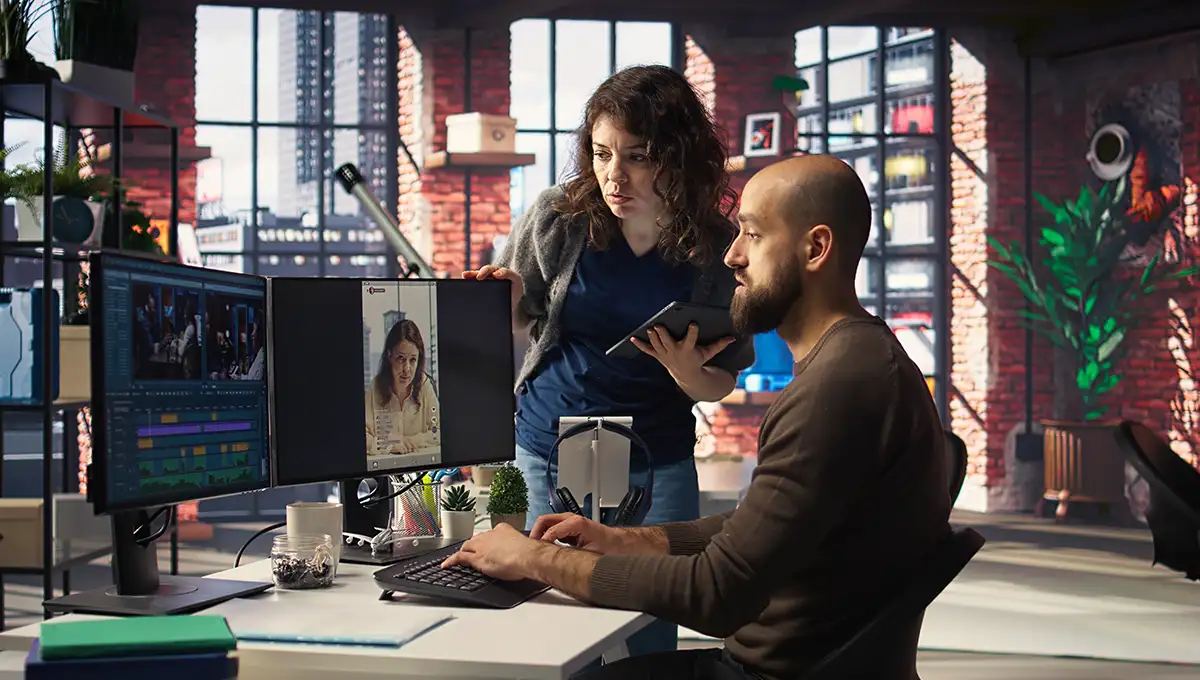
AI Video Creation Learn How to Create AI Videos with Best AI Video Generators
Video is everywhere on YouTube, TikTok, Instagram and the demand keeps growing. But traditional video production is slow and expensive, often costing $1,000–$50,000 per minute of footage.
That's exactly why AI video creation is taking off. With today's AI video generators, you can turn a simple text prompt into a polished, publish-ready video in minutes with no camera, no crew, no editing skills required.
In this guide, you'll learn how AI video creation works, the best tools to use, and how to get started right now.
What Is AI Video Creation and How Does It Work?
AI video creation uses artificial intelligence to automatically generate video content from text, images, or prompts with little to no manual editing.
You type a script, and the AI selects visuals, generates a voiceover, syncs music, and adds captions. Every AI video has three core components:
- Input: Your script or prompt the more specific, the better
- AI Engine: Deep learning and NLP interpret your input and build matching visuals and audio
- Output: A complete video with visuals, voiceover, music, and captions
Real-world use cases include marketing campaigns, YouTube content, and e-learning. Brands like Nike and eToro are already using AI video tools at scale. Even MrBeast (Jimmy Donaldson) , YouTube's biggest creator has publicly noted that AI is fundamentally reshaping how video content gets made.
How to Create AI Videos
Step 1: Write a Clear Script or Prompt
Structure your script scene by scene. Instead of "make a coffee video," try: "60-second promo for a coffee brand. Scene 1: barista pouring latte art. Scene 2: customer smiling. Warm, upbeat tone." Specific inputs produce far better results.
Step 2: Choose an AI Video Generator
Pick a tool that matches your goal. Avatar tools like Synthesia and HeyGen work best for scripted, presenter-led videos. Cinematic tools like Runway and OpenAI Sora are better for creative, narrative-driven content.
Step 3: Generate the Video Automatically
Submit your prompt and the AI does the heavy lifting visuals, voiceover, music, subtitles. Most tools deliver a first draft in under five minutes.
Step 4: Edit and Customize
Add your logo, swap scenes, tweak captions, and adjust the voiceover tone. AI gives you a strong draft; your edits make it on-brand.
Step 5: Export and Publish
Export in formats optimized for YouTube, TikTok, Instagram, or your website. Starting to finish, the whole process can take under 30 minutes.
Pro tip: Begin with a 60-second video. Short formats help you learn the tool faster and get real feedback before scaling up.
Best AI Video creation Tools Available Online
Ease of use, output quality, customization, and pricing are the four things that matter most. Luckily, most top platforms offer free tiers to test before you commit.
|
Tool |
Best For |
Free Tier |
Starting Price |
|
Marketing & personalized videos |
3 videos/month |
$29/month |
|
|
Corporate training & e-learning |
10 min/month |
$29/month |
|
|
Cinematic & creative content |
125 credits |
$15/month |
|
|
Text-to-video for social & blogs |
Free plan |
$25/month |
|
|
Repurposing scripts & articles |
Free trial |
$19/month |
The key distinction: avatar tools prioritize message clarity, generative tools prioritize visual creativity. Many professionals use both.
AI Video Generator from Text: Why It's Trending
Text-to-video removes every traditional barrier to video production. Write a description, get a video. No footage, no editing software, no crew.
Over 62% of marketers using AI tools say text-to-video platforms cut their production time by more than half. A campaign that used to take 13 days now takes about 27 minutes. For small businesses, the savings are massive.
A 10-video social media campaign costs as little as $89 through AI tools versus $100,000+ through a traditional agency.
Key Benefits of AI Video Creation
- Speed Minutes instead of days or weeks
- Cost savings Up to 91% cheaper than traditional production
- No technical skills needed If you can type, you can create a video
- Scalability One person can produce what used to need a full team
- Multilingual reach 140–160+ languages supported by top tools
Limitations of AI Video Creation
AI video creation is powerful, but it's not perfect. Fully automated tools often sacrifice creative control for speed; if you need precise visuals, you'll need a more advanced platform like Runway, which comes with a steeper learning curve.
AI also pulls from learned patterns, so unedited videos can start looking repetitive and generic across campaigns. Every AI output should be treated as a first draft always review and refined before publishing.
Finally, for high-end cinematic or broadcast-quality productions, human directors and cinematographers still deliver results that AI simply can't match consistently.
Tips to Get Better Results
- Use specific, detailed prompts describe scenes, tone, and setting clearly
- Script by scene structured input leads to more coherent output
- Start short 30–60 second videos are the best learning format
- Always edit add branding, fix captions, and review every video before posting
Who Should Use AI Video Creation?
- Content creators who want to publish more without burning out
- Small businesses competing with bigger brands on a tighter budget
- Marketers running multi-channel campaigns 78% of marketing teams now use AI video in at least one campaign per quarter
- Educators and trainers delivering multilingual content at scale
Conclusion
AI video creation is fast, affordable, and beginner-friendly and it's only getting better. Whether you're a solo creator, a marketer, or a small business owner, there's a tool built for your exact workflow.
The best first step? Pick one tool Invideo AI, HeyGen, or Pictory and create your first video today. The creators who start now will have a serious advantage as these tools keep evolving. Don't wait until your first AI video is 30 minutes away.